
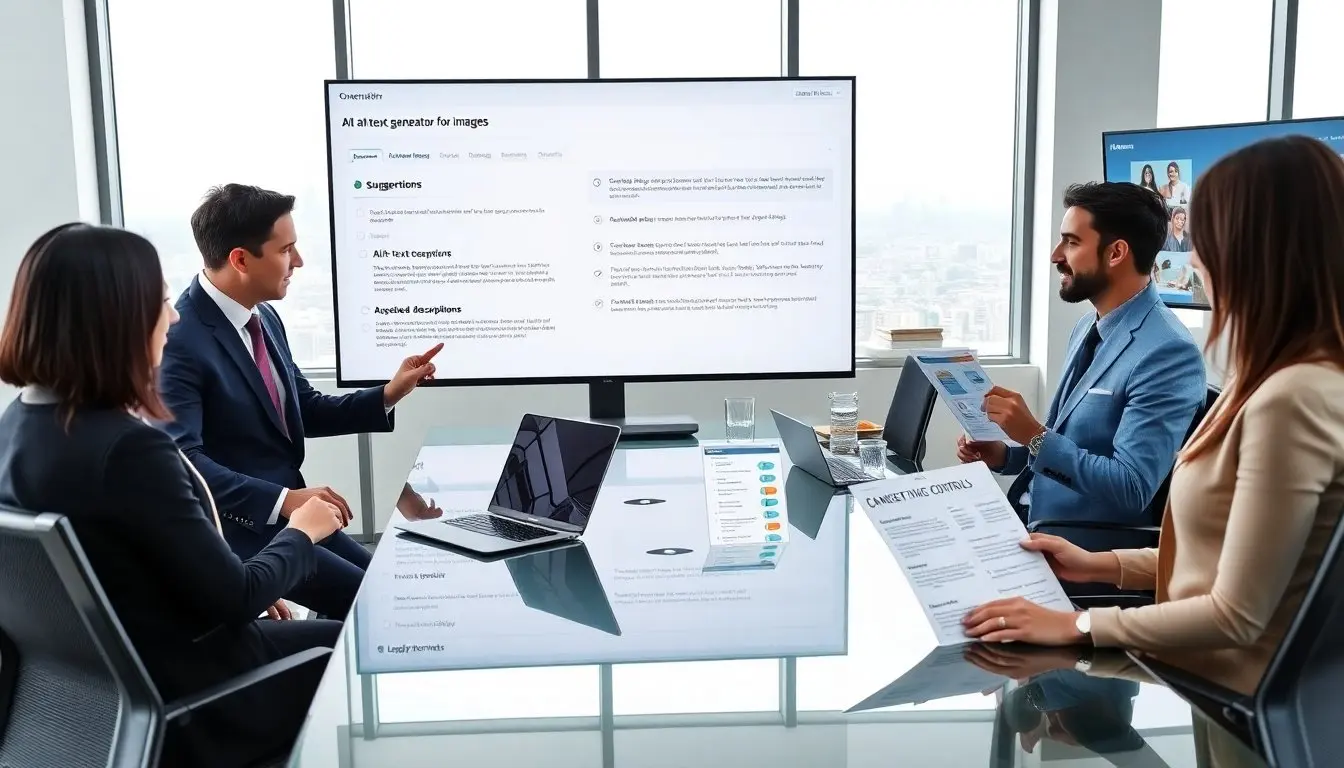
An alt text generator for images saves time and improves accessibility. It scans an image and offers a short description. The tool helps people who use screen readers. It also helps search engines index images. This guide explains how the generator works and how to pick the right one.
Key Takeaways
- An alt text generator for images automates creating concise descriptions that improve accessibility and boost search engine indexing.
- These generators use AI to detect objects and scenes, then generate descriptive and accessible alt text that supports faster publishing workflows.
- Trust generated alt text for clear, simple images but always review and edit entries involving brand logos, nuanced context, or sensitive content.
- Choose alt text generators with features like confidence scoring, CMS integration, custom training, and strong privacy controls to optimize accuracy and workflow.
- Combining AI-generated alt text with human review balances efficiency with quality, lowering costs and expanding accessibility coverage effectively.
What Is An Alt Text Generator And Why It Matters
An alt text generator for images creates short, descriptive text for images. It reads the image and returns a concise description. Teams use the generator to meet accessibility standards quickly. The generator reduces manual work for content teams. It also improves web accessibility for users who rely on screen readers. Search engines use alt text to understand image content. Adding alt text can improve image search visibility. Publishers who use the generator often maintain faster publishing workflows. Developers can integrate the generator via an API. Marketers can use the generator to scale image descriptions across large catalogs. Editors must still verify the output to ensure accuracy. The generator handles routine images well. The generator may mislabel brand names, logos, or abstract art. For those cases, a human should adjust the text. Overall, the generator speeds work and raises baseline accessibility.
How Alt Text Generators Work — AI, Rules, And Accessibility
An alt text generator for images usually combines computer vision and natural language tools. The system detects objects, scenes, and text inside an image. It maps detected items to simple phrases. It then builds a complete sentence that describes the main subject. Some generators apply accessibility rules to keep descriptions concise and useful. The rules emphasize the main subject and any important context. The system often drops decorative details that do not affect meaning. Many tools add confidence scores for each output. Developers can use the scores to route low-confidence items to human review. Some generators include templates for product images, social posts, or editorial photos. Templates ensure consistent phrasing across large catalogs. Enterprises can train a generator on company images to improve accuracy. The generator can integrate with content management systems to auto-suggest alt text during upload. This automation reduces editor friction and speeds time to publish. The next section shows when to trust the output and when to edit.
When To Trust Generated Alt Text Vs. Edit Manually
When To Trust Generated Alt Text Vs. Edit Manually
- Trust the generator when images show clear objects and actions. The generator handles landscapes, common objects, and simple product shots well. It gives accurate subject labels and simple actions in most cases.
- Edit the generator when images include brand names, logos, or on-screen text. The generator can misread logos and miss trademark styling. A human should confirm brand mentions and correct spelling.
- Edit when an image carries nuanced context. The generator struggles with sarcasm, satire, or staged scenes. A human can add context that affects meaning.
- Trust with routine catalogs but set sampling checks. Teams can sample outputs to measure accuracy over time. If error rates exceed a threshold, teams should tighten review rules or retrain the model.
- Use human review for legal or safety content. The generator can miss sensitive signals. Add a final human check for compliance-sensitive images.
- Use the generator to scale and the editor to refine. This split keeps publishing fast and keeps descriptions correct. The workflow lowers costs and improves accessibility adoption.
Choosing The Right Alt Text Generator: Features To Look For
Teams should look for clear accuracy metrics and review tools in an alt text generator for images. The tool should provide confidence scores for each output. The tool should let editors accept, edit, or reject suggestions inside the CMS. API access is important for automating large catalogs. A flexible API reduces manual steps and saves developer time. Custom training or model fine-tuning helps match company voice and product names. The tool should support on-image text recognition to catch labels and captions. A logging feature helps track edits and measure model drift over time. Security and privacy matter. The tool should not retain private images unless the team allows it. On-premise or private-cloud options help sensitive teams meet policy. Batch processing helps teams handle catalogs and migrations. Real-time suggestions help social teams work faster during campaigns. Multi-language support helps global teams scale translations and local alt text. Pricing should match use patterns. Look for clear per-image or subscription pricing and a free trial to test accuracy. Support and documentation reduce integration friction. Finally, test the tool on a realistic sample of images. The sample should include logos, product variants, and editorial photos. Measure the generator’s accuracy and the human time saved. The right tool will lower manual work and improve accessibility coverage across the site.