
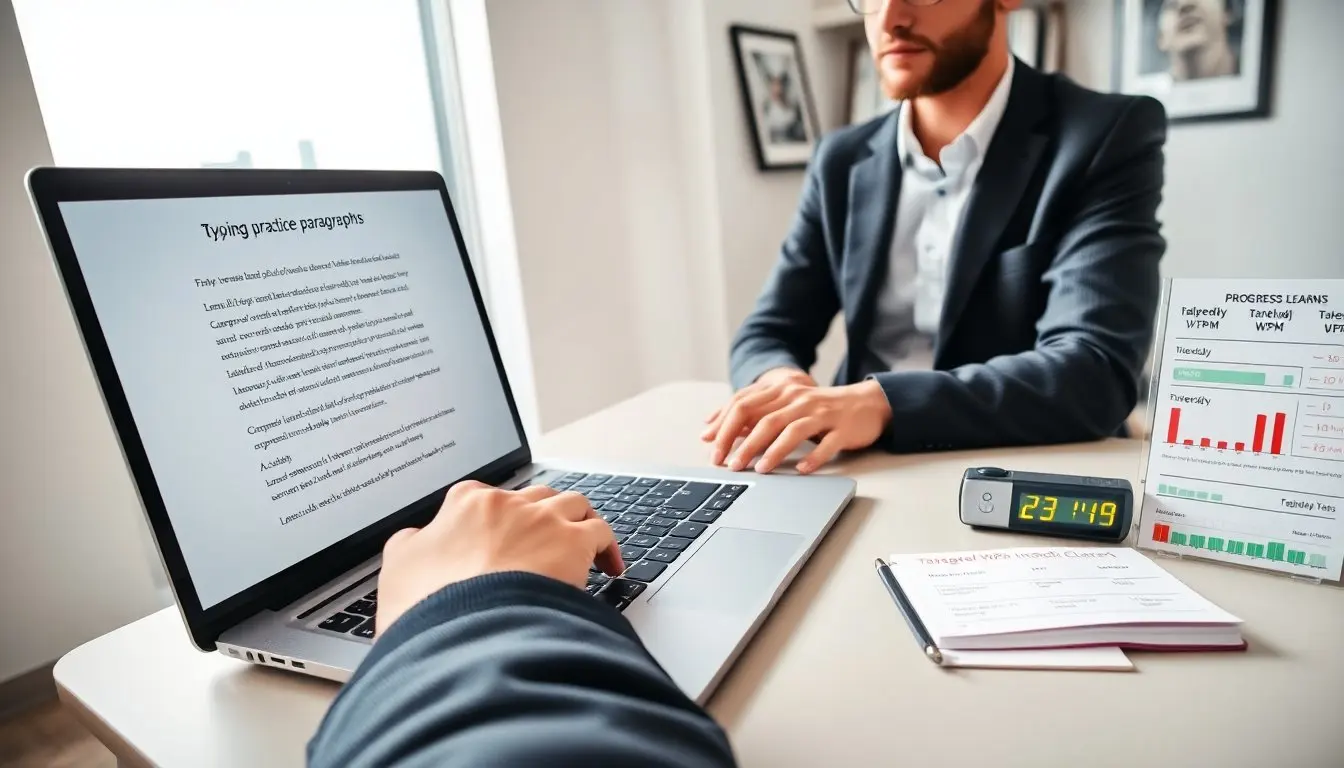
Typing practice paragraphs help learners build speed and accuracy. The article explains what makes a strong practice paragraph. It shows how to use practice paragraphs in daily routines. It gives a clear four-week plan with timed drills and goals. The reader will get concise steps they can follow for steady improvement.
Key Takeaways
- Typing practice paragraphs improve typing speed and accuracy by focusing on common keys, realistic vocabulary, and balanced finger use.
- Effective practice includes varied sentence lengths, punctuation, and progressively challenging content to build muscle memory and accuracy before speed.
- Establishing a daily routine with timed drills, error tracking, and warm-up exercises enhances steady progress in typing skills.
- A structured four-week plan with goals helps learners gradually increase speed, target weak keys, and maintain high accuracy benchmarks.
- Using customized paragraphs tailored to real tasks like emails or coding ensures relevant and practical typing practice.
- Immediate feedback from timers or software enables targeted drilling on error-prone keys, optimizing improvement efforts.
What Makes An Effective Typing Practice Paragraph
An effective typing practice paragraph mixes words that train common keys and finger patterns. It keeps sentence length varied so the writer moves between short and long keystrokes. It repeats high-frequency letter combinations to boost muscle memory. It includes punctuation to train real typing tasks. It avoids rare or obscure words that slow the learner without benefit.
An effective paragraph targets accuracy before speed. It uses clear vocabulary and standard grammar. It balances left-hand and right-hand usage. It places numbers and symbols in context so the typist practices those keys naturally. It keeps lines realistic so the typist practices real writing tasks.
An effective set of typing practice paragraphs progresses by difficulty. It starts with common words and then adds less common letter pairs. It adds punctuation, capitalization, and numbers only after the typist shows accuracy on simple text. It measures success with error rates and consistent words-per-minute over several timed runs.
An effective paragraph fits session length. It runs from one sentence to a short paragraph for short drills. It runs longer for endurance training. It fits the learners schedule and attention span. The paragraph gives immediate, measurable feedback when the typist uses a timer or a tracker.
How To Use Practice Paragraphs: Routines, Drills, And Progress Tracking
A learner sets clear daily goals. The learner schedules short, focused sessions. The learner times each run and logs errors. The learner repeats the same paragraph until accuracy improves. The learner increases speed only after accuracy meets the target.
A routine combines warm-up drills, focused practice, and a timed test. A warm-up uses simple typing practice paragraphs that emphasize home-row keys. A focused practice uses paragraphs that target weak keys. A timed test uses a passage that measures words per minute and error rate.
Drills should vary. The learner practices burst drills of 1 to 3 minutes for speed. The learner practices accuracy drills of 5 minutes focused on error patterns. The learner practices endurance drills of 10 to 15 minutes to build stamina. The learner rotates drills across sessions to avoid fatigue and to keep progress steady.
Progress tracking uses simple metrics. The learner records raw words per minute, net words per minute, and error count. The learner charts trends each week. The learner reflects on the most common errors. The learner builds a short list of words and combinations to include in future typing practice paragraphs.
Feedback needs to be immediate and specific. The learner uses software or a log that shows which keys caused errors. The learner drills those keys with targeted paragraphs. The learner repeats targeted paragraphs until errors fall below the chosen threshold.
Sample 4-Week Practice Plan With Timed Drills And Goals
Week 1: Focus on accuracy and posture. Day 1 to Day 3 the learner completes three short sessions of 5 minutes each with simple typing practice paragraphs. The learner uses home-row passages that repeat common letters. The learner times each session and logs errors. Day 4 to Day 7 the learner increases sessions to 7 minutes and includes punctuation practice.
Week 2: Build speed on accurate text. The learner runs two 5-minute burst drills each day with timed typing practice paragraphs. The learner runs one 10-minute accuracy drill that uses mixed sentences. The learner tracks raw and net words per minute. The learner stops increasing speed when error rate rises above 3%.
Week 3: Target weak keys and combine skills. The learner creates targeted typing practice paragraphs that include the top five error keys. The learner does three 5-minute drills focused on those paragraphs. The learner performs one 12-minute endurance session with varied sentences. The learner reviews error logs and adjusts paragraph content to cover remaining weak spots.
Week 4: Simulate test conditions and push consistency. The learner performs two timed tests of 10 minutes each using full-length typing practice paragraphs that simulate real writing. The learner performs two short recovery drills of 5 minutes focusing on troublesome keys. The learner aims for steady net speed gains while keeping errors under the target.
Goals and milestones: The learner sets a target net words per minute for each week. The learner sets an accuracy target that rises from 92% to 97% over the month. The learner adds complexity only when accuracy stays above the weekly target. The learner logs daily results and compares weekly averages to measure progress.
Practice paragraph examples: The learner uses short realistic sentences such as “He types clear short lines to build speed.” The learner uses mixed sentences that include punctuation and numbers like “She types 45 words and checks errors.” The learner alternates paragraphs that stress specific letters such as “The quick hawk jumps low, then runs fast.” The learner customizes paragraphs to match real tasks such as email, code, or notes.